
Colorblind helper tool
In this post I would like to talk about a tool I recently created: Color snitch. The aim of this tool is to help people with color blindness to identify colors. It is a simple web application that lets the users pick an image from their devices so they can click anywhere on that image and get the name of the color of that pixel.
Before we dive in into how the tool works, you can try it out here. Color Snitch may have changed since the time this post was written, so I’m attaching an image of how it looked at this point:
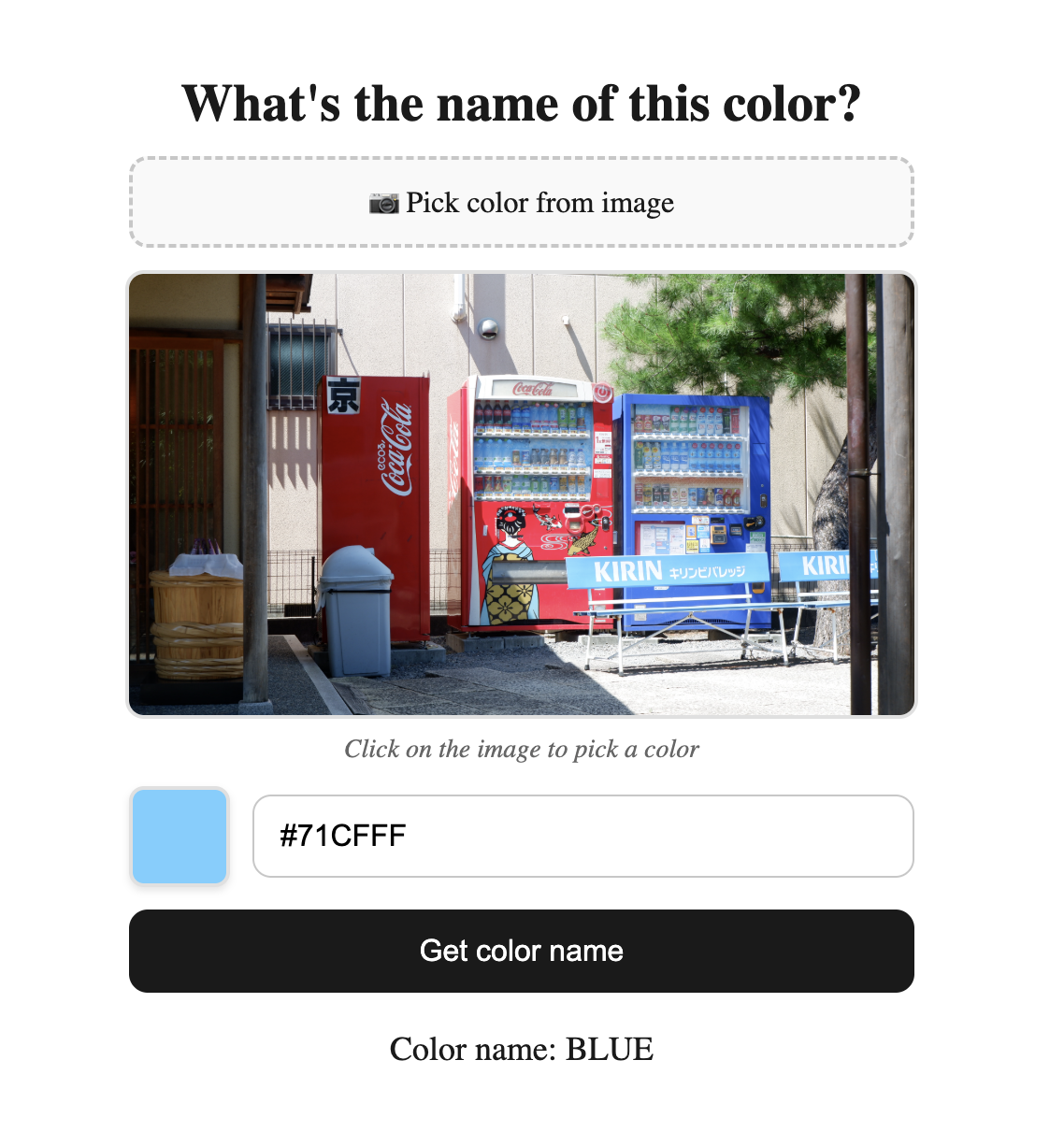
How does it work?
This is a project I have had in mind for a long time since I’m a colorblind person myself and the initial idea wasn’t so far away from the final implementation. I had to make some adjustments along the way because results on first version weren’t as much accurate as I expected.
My idea was the following: Given an unknown color (represented in RGB or HEX), we want to find the closest color from a list of hex color codes already tagged with their corresponding human readable names.
Where did the list of tagged colors come from?
The list of tagged colors was created using the content from this website. It contains lots of colors, each of them with a different name, but fortunately they are sorted by their main color so I could easily classify them in the following categories:
- Black
- White
- Gray
- Red
- Green
- Orange
- Yellow
- Blue
- Purple
- Pink
- Brown
How to find the closest color?
To find the closest distance between two things, usually vectors, the easiest way is to use the euclidean distance. Thankfully, colors are represented using different kinds of vectors: RGB, HEX, HSL, etc. In my first approach, I tried to find the euclidean distance between RGB values but later I found that HSL is a colorspace that suits better for human perception of colors, so I switched to HSL and the results were much better.
However, even using HSL, the results weren’t good, the only solution I found at that time was to add more elements to the dataset of tagged colors in order to have more options to choose from and increase the chances of finding a closer color.
Then, Oklab colorspace came into scene. Oklab is a colorssapce that is designed to be perceptually uniform, which means that the distance between two colors in Oklab is more representative of how different they are perceived by humans. So I switched to Oklab and the results were much better, even with a smaller dataset of tagged colors.
Implementation
The implementation details are not very complex, the color is taken from the image in HEX format, then it is converted into RGB format to finally be converted into Oklab format. Then, the distance between the unknown color and each of the tagged colors is calculated using the euclidean distance formula and the closest color is returned as a result.
The actual code can be seen in my Github respository.
Future optimizations and improvements
The tool is working fine but there are some optimizations and improvements that I would like to implement in the future:
- Analyze areas instead of single pixels. There are somes cases where a picture can have some noise and even though the color of the pixel is correct, the overall color of the area is different.
- Add more colors to the dataset of tagged colors. Even though the results are good, it would be nice to have more robust results by having more examples when looking for the closest color.
- Realtime color tagging: instead of having to manually select a photo from camera/gallery, it would be nice to just foucs the camera on an object and let the tool to automatically tag the color of the object in realtime.